


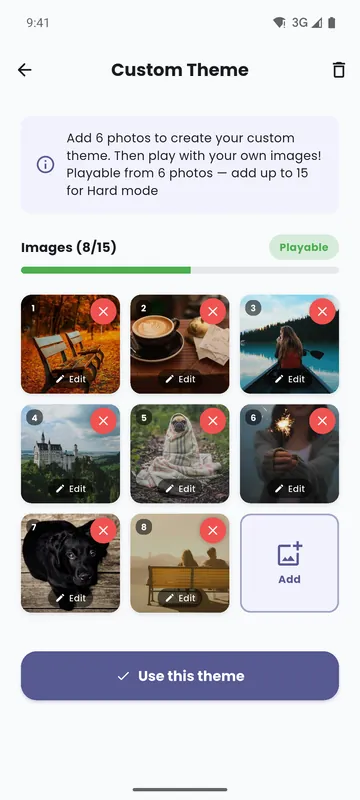
On the home screen, tap Play with your photos: Turn your own pictures into a memory deck. The Custom Theme screen opens.
Add 6 to 15 photos
Tap Add, then Choose from gallery or Take a photo. Six photos are enough for an Easy game. Ten photos unlock Medium, and fifteen unlock Hard. When you have six, the screen says Playable.
Crop and change your photos
Each photo is cropped square, so faces and details stay clear on the card. Tap Edit on a photo to replace it, or the cross to remove it.
Play with your deck
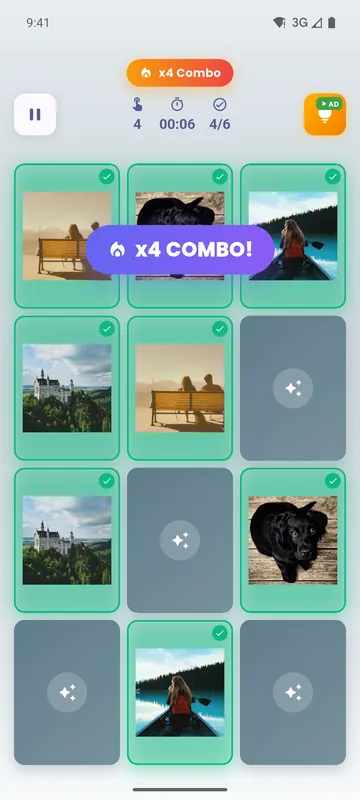
Tap Use this theme. Your deck is selected for your next game, in any mode. Each photo appears twice: find the two cards that show it.
Six ready-made decks
No photos at hand? Choose an illustrated deck: Animals, Food, Monuments, Flags, Objects or Mathematics. That makes 160 cards in all.
Your photos are copied into the app and stay on your phone. They are never uploaded.